🔎 Overview
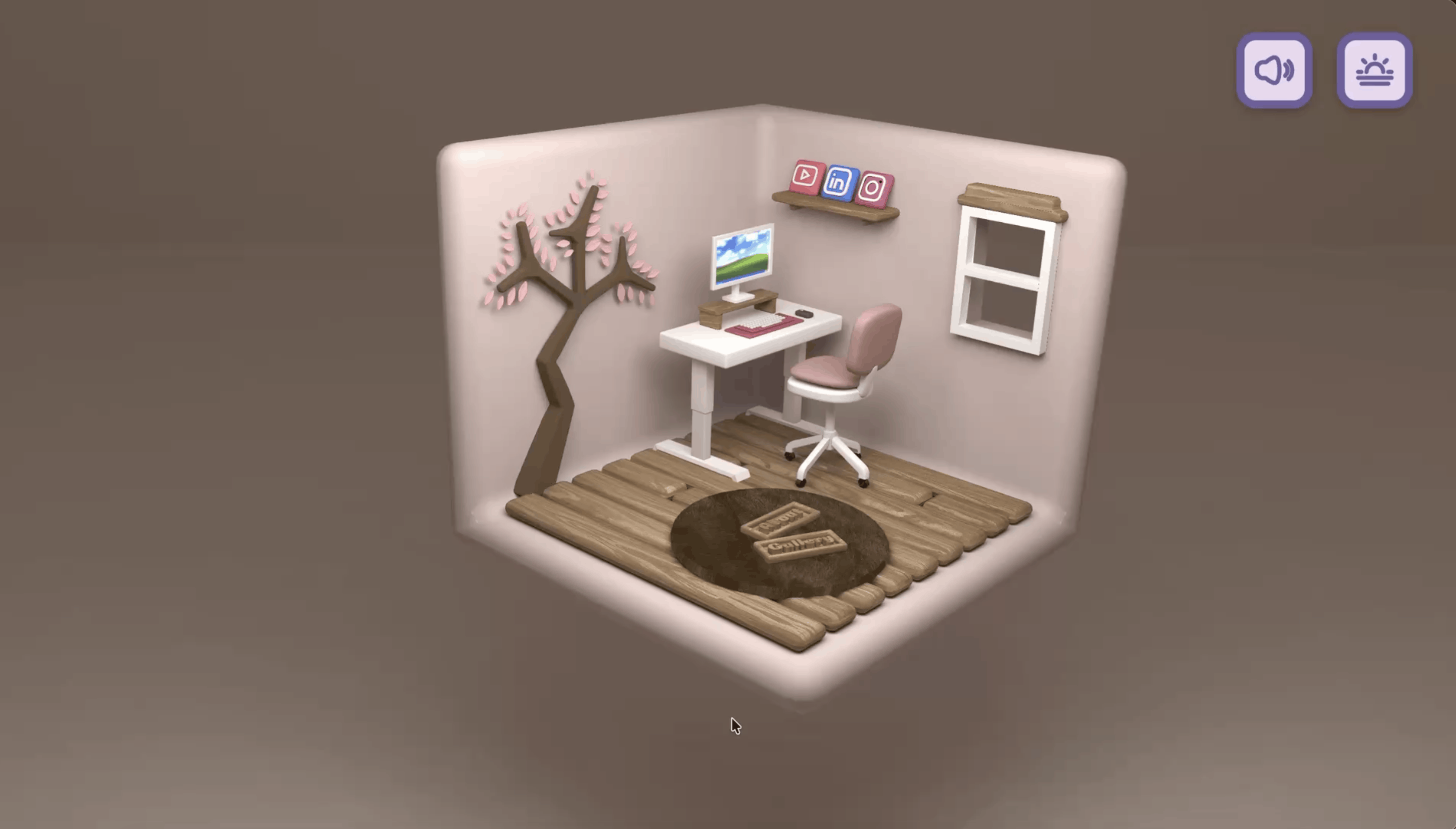
My portfolio pages were usually just… a list of links. Nothing wrong with that, but I wanted to make it more a place you can walk into instead of a page you scroll past.
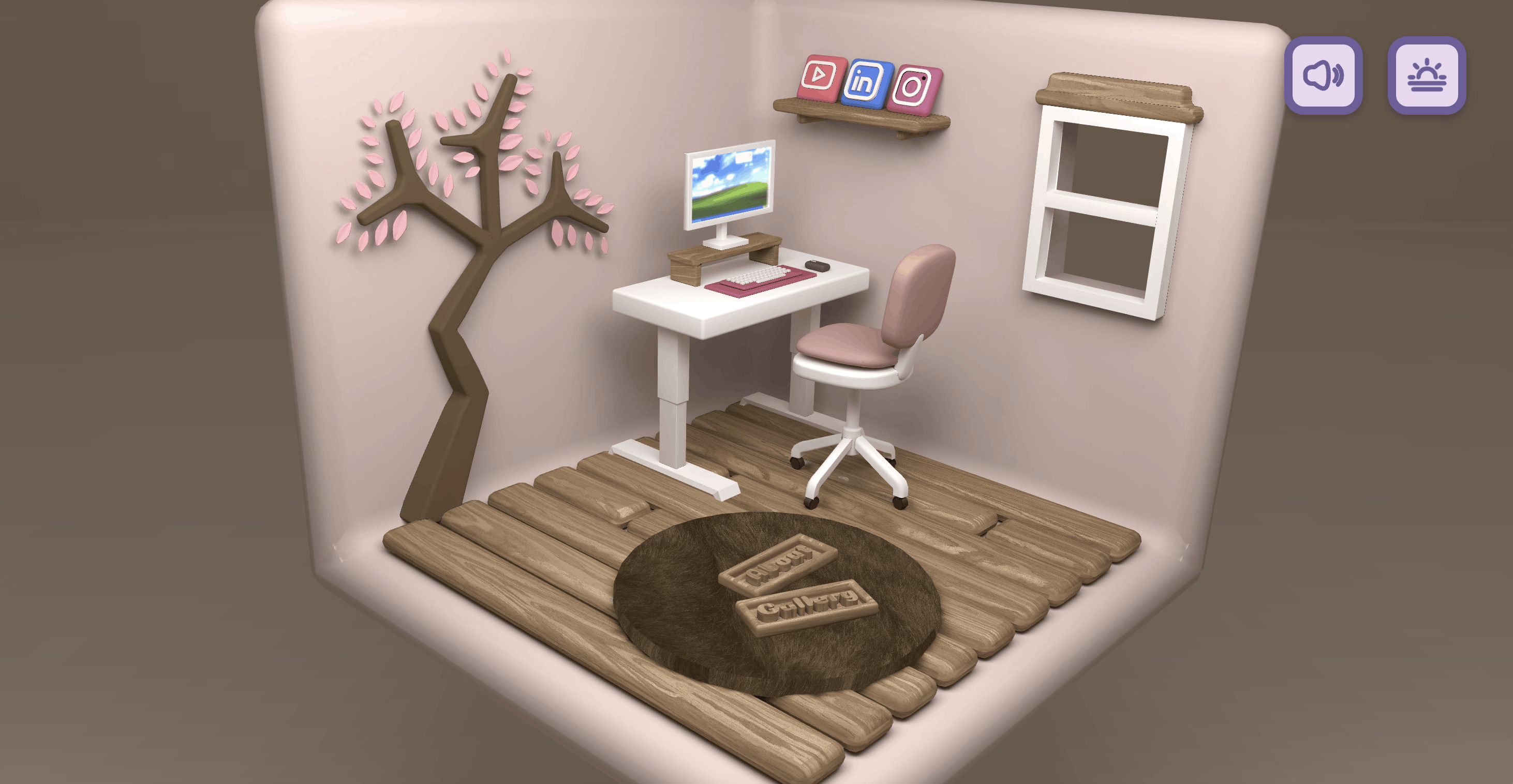
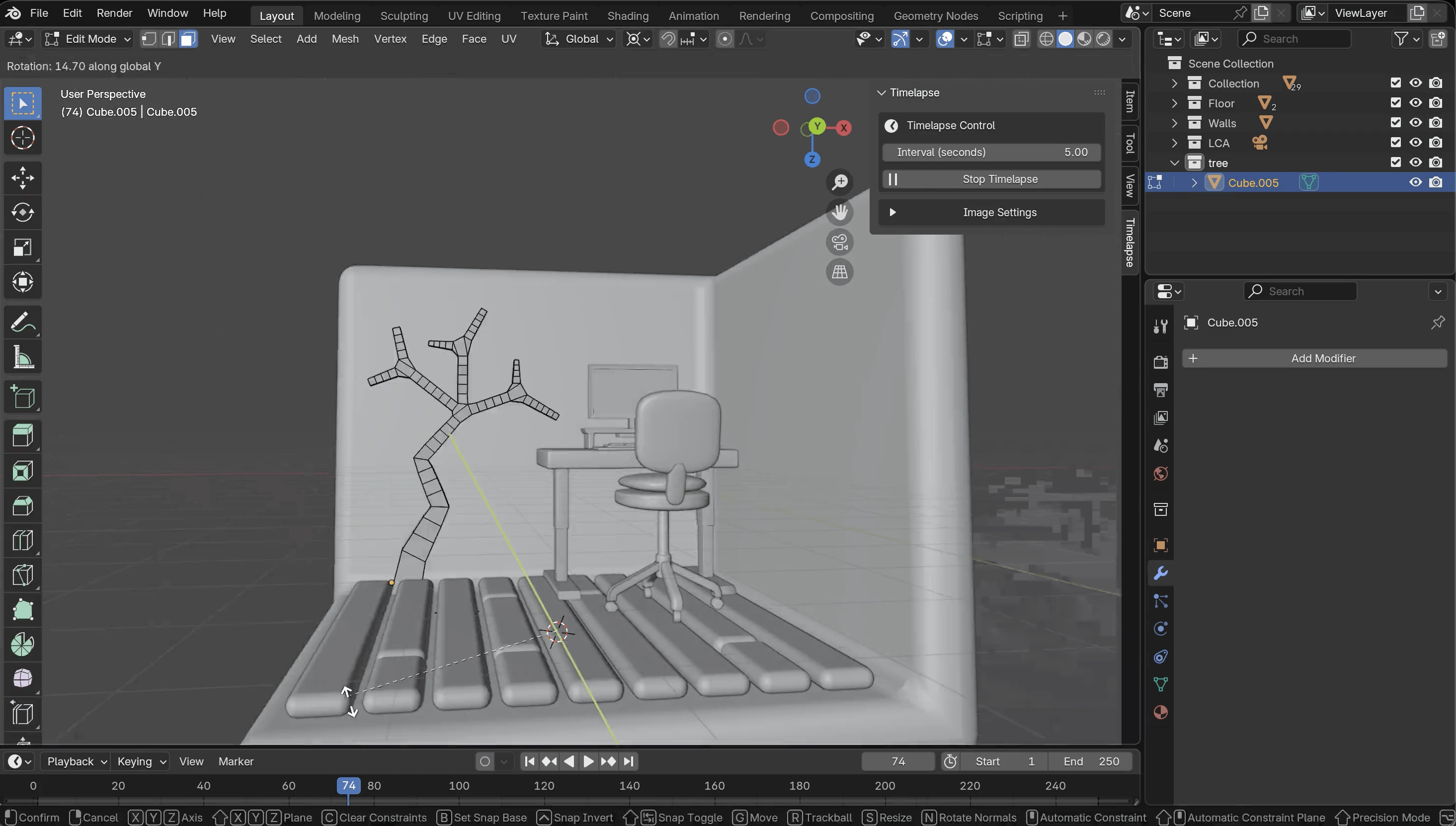
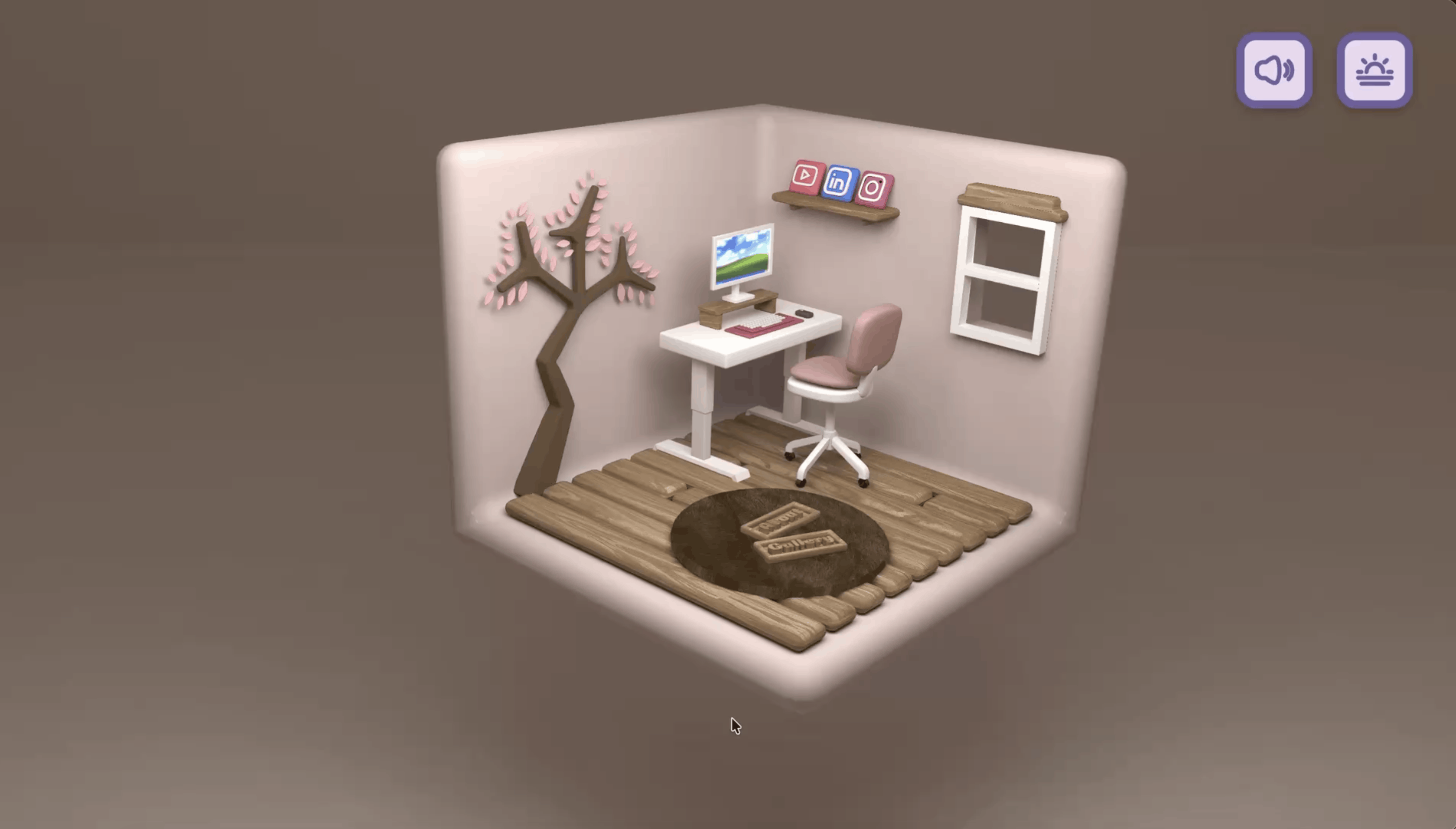
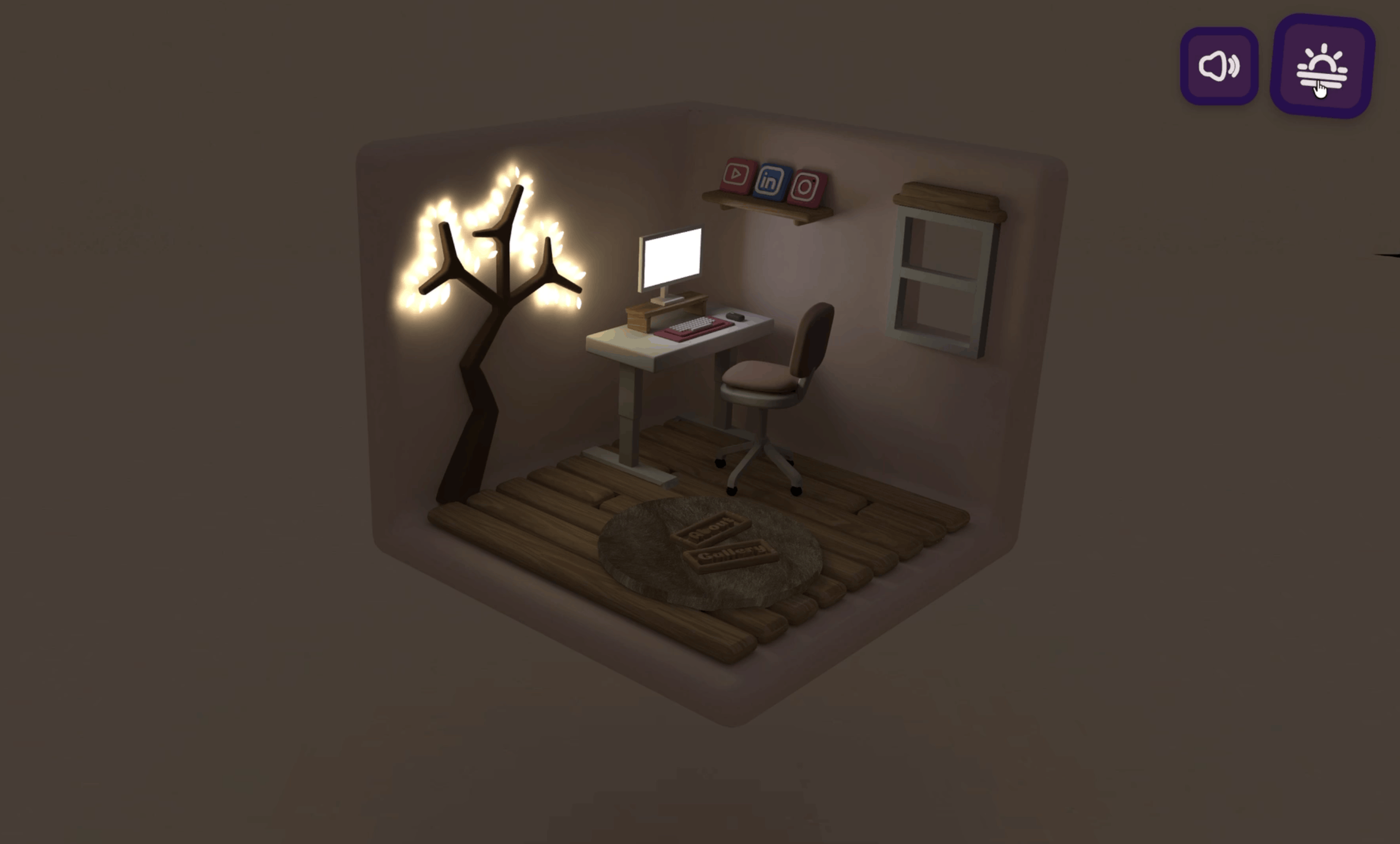
So I learned to build a 3D room~ Visitors can spin it around, zoom in, and poke at things in the browser. It’s a miniature portfolio world with animated social icons and little corners like Gallery, About, and Say Hello. I modeled the room myself in Blender by following an amazing FREE tutorial 🛋️.
Here’s the tutorial I followed (big thanks to the creator!): https://www.youtube.com/watch?v=AB6sulUMRGE
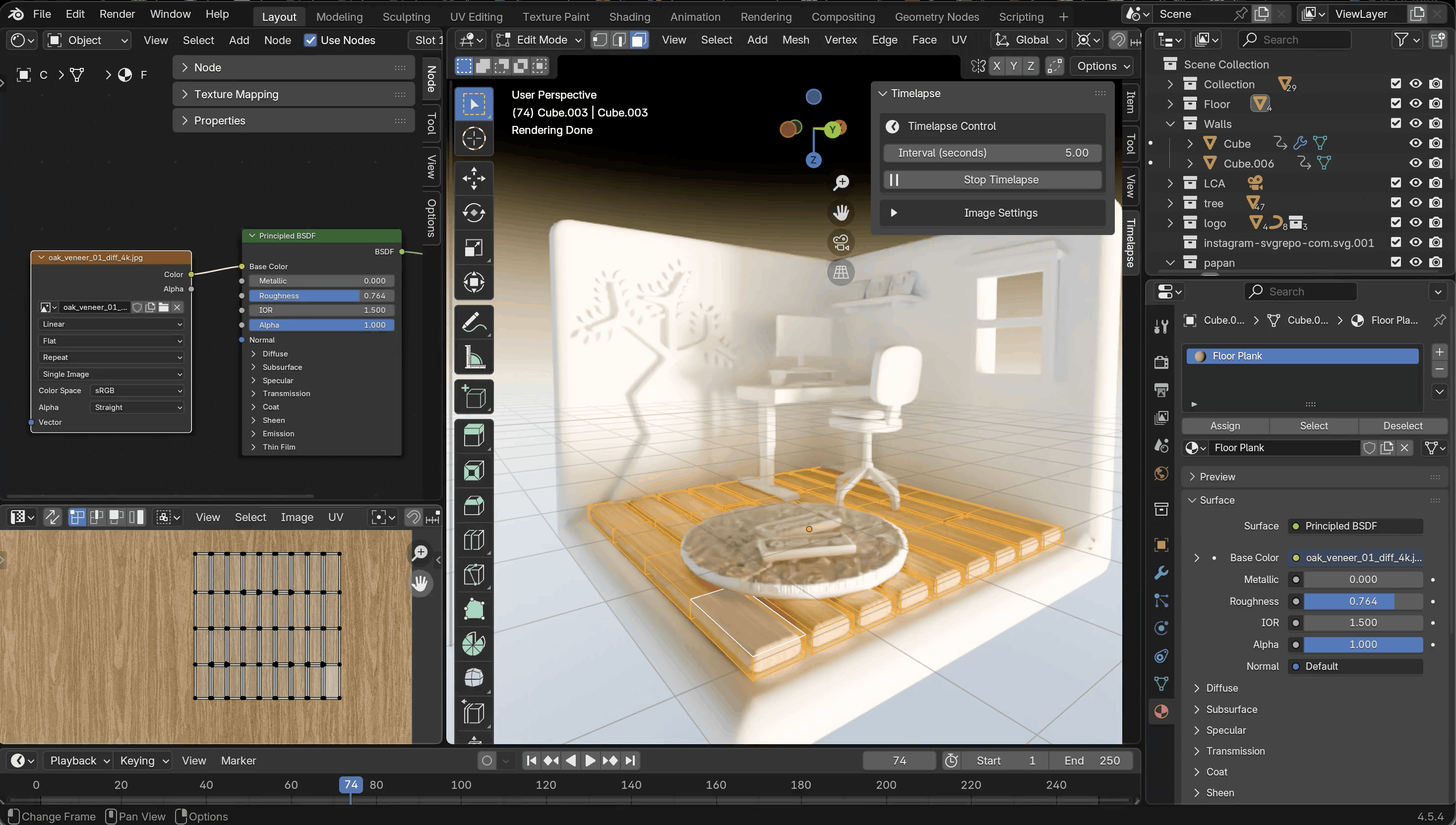
Quick summary before we go deeper:
- Goal: Make a personal website feel like a space, not a list of links.
- Built with: Blender (3D modeling), Three.js, GLTFLoader, OrbitControls, GSAP, Vite, and Sass.
- Hosted on: Netlify.
- Architecture: Everything runs client-side with WebGL. No separate API or database in the shared code.
🗺️ How Everything Connects
The simple version: Visitor → Website → 3D room → Camera controls and hover effects. That’s it!
The nerdy version:
flowchart LR
    U["Visitor"] --> N["Netlify<br/>Static site"]
    N --> B["Vite-built app<br/>HTML / JS / CSS"]
    B --> S["Three.js scene<br/>Camera · Lights · WebGL"]
    A["Custom Blender room<br/>Exported as .glb"] -->|GLTFLoader| S
    U -->|Drag / Scroll / Touch| C["OrbitControls"]
    C --> S
    U -->|Pointer movement| R["Raycaster"]
    R --> G["GSAP hover effects"]
    G --> S
And here’s who does what in this little room:
| Piece | What it does |
|---|---|
| Blender | Used to create the original 3D room model. |
| Three.js | Draws the room, camera, lights, and shadows. |
| GLTFLoader | Loads the 3D .glb room model. |
| OrbitControls | Handles rotation, panning, and zoom. |
| Raycaster + GSAP | Detects social-icon hover and animates a lift-and-scale effect. |
| Vite + Sass | Builds the app and handles the styles. |
| Netlify | Hosts the static website. |
🔨 So, What Happens When You Open It?
- The page loads. Your browser grabs the app and its WebGL canvas.
- The stage gets set up. Three.js prepares a perspective camera, ambient and directional lights, and a renderer with shadows turned on (because a room without shadows looks kinda sad).
- My handmade room moves in. The Blender model is exported as a
.glbfile, andGLTFLoaderdrops it into the Three.js scene. - You explore. Mouse and touch gestures drive
OrbitControls, so you can rotate, pan, and zoom all around the room. - Things react to you. Raycasting checks whether you’re hovering over the Instagram, LinkedIn, or YouTube objects. If you are, GSAP lifts and enlarges them ✨, then puts them back when your pointer moves away.
- It keeps running. A
requestAnimationFrameloop updates the controls and redraws the room every frame.
✨ The Little Details I Love
These are the bits that make the room feel alive (some of them I learned straight from the tutorial, and honestly, they were the most fun part to build):
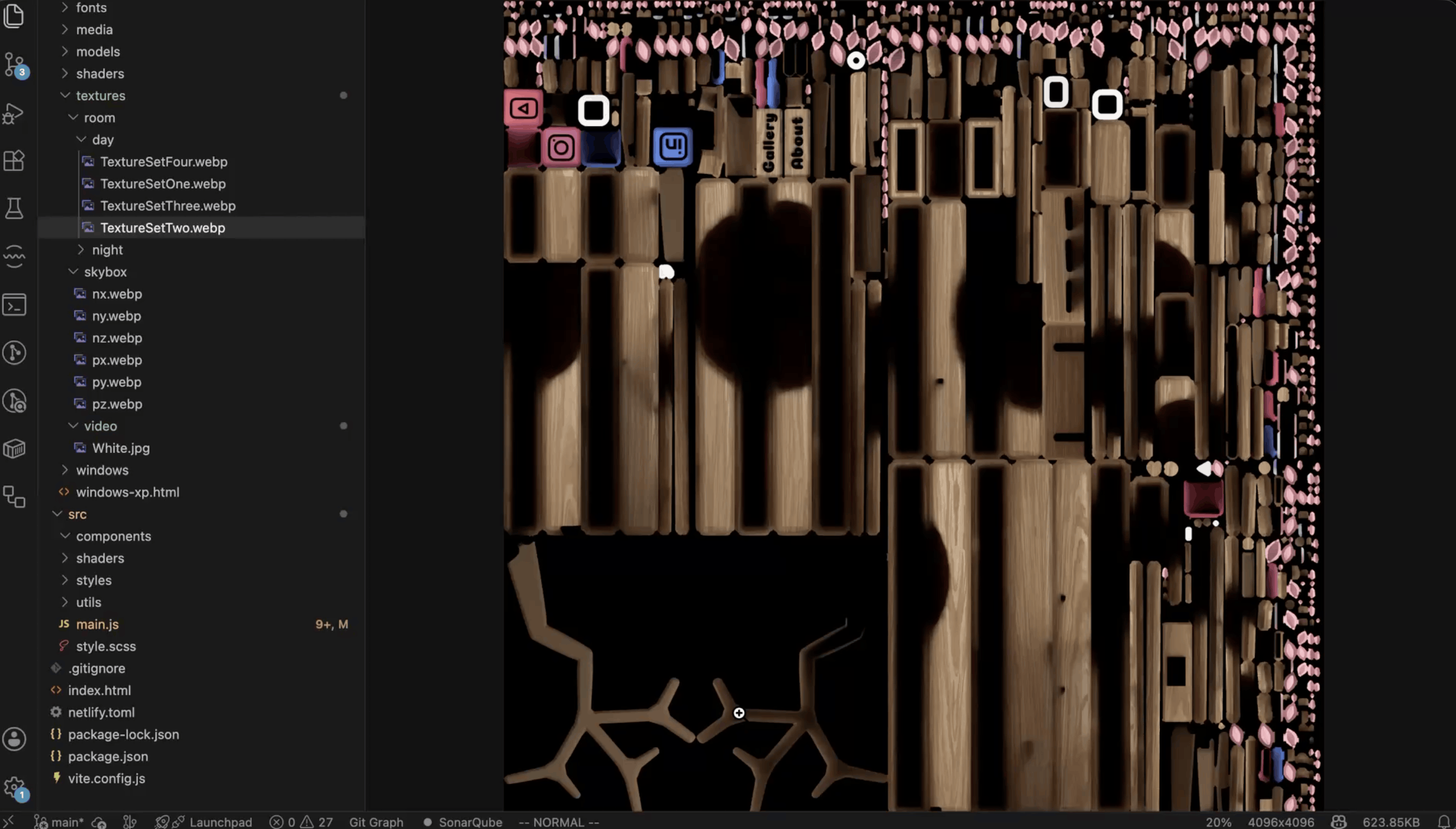
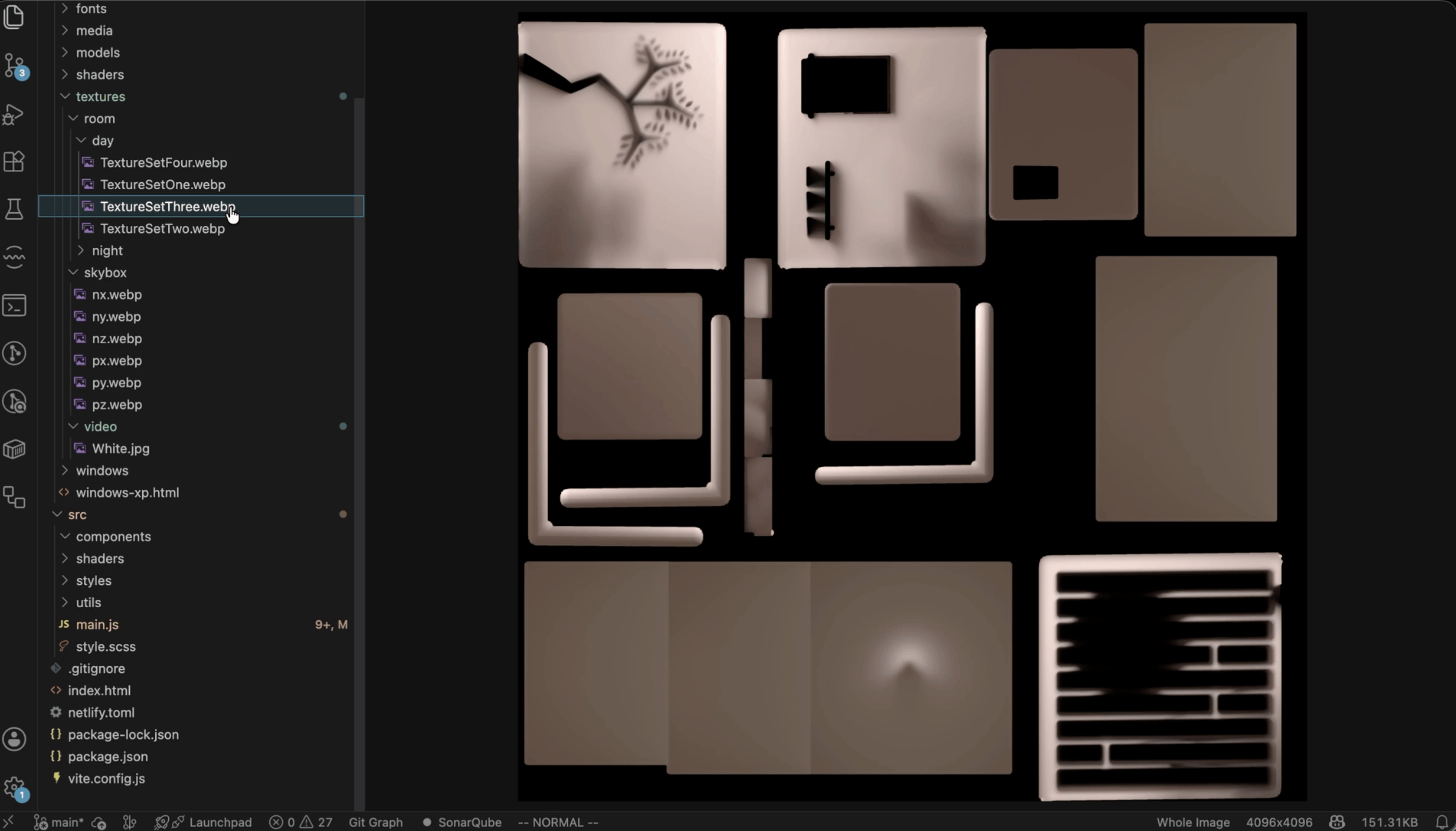
- Day and night mode 🌞🌙. Flip the theme toggle and the whole room changes mood. Under the hood, a custom GLSL shader blends baked day and night textures (four texture sets) with a mix value, so the switch is a smooth fade instead of a hard cut.
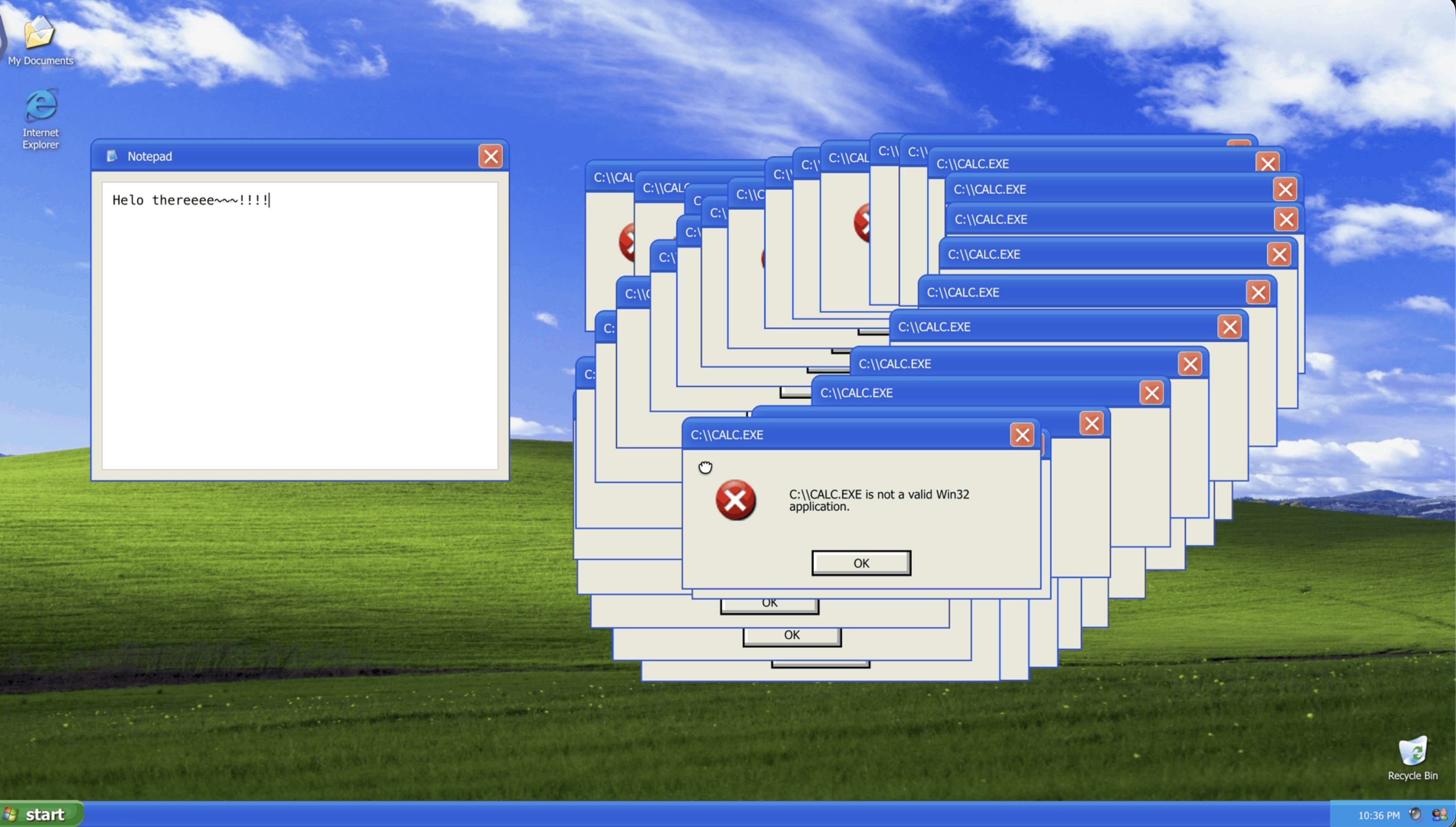
- A computer that’s actually on. At night, the monitor plays a looping video on its screen using a Three.js
VideoTexture. During the day it shows a plain wallpaper. Even the room’s PC goes to “sleep” mode, lol. - Steam that drifts upward ☕. A second shader scrolls a Perlin noise texture upward and softens the edges, so you get a gentle, wispy smoke effect.
- Background music 🎶. There’s a cute pop song with a mute toggle. Since browsers block autoplay with sound, the music waits for your first click or tap before it starts.
- Pop-up sections. Gallery, About, and Say Hello open as modals right on top of the 3D scene.
- A loading screen that won’t trap you. If something fails while loading, the overlay still gets out of the way instead of leaving you stuck staring at it.
⚡ Performance & Cost Notes
Good news: this isn’t a backend-heavy project, so hosting is easy. The real things to watch are how big the 3D assets are and how hard the browser has to work.
Here’s what I’d tweak to keep it smooth:
| Focus | Practical improvement |
|---|---|
| Model loading | Compress the .glb and textures; show a loading indicator. |
| Rendering | Cap pixel ratio on high-DPI devices to reduce GPU work. |
| Interactions | Skip unnecessary raycasting when the pointer hasn’t moved. |
| Accessibility | Add keyboard-friendly links and reduced-motion options. |
| Hosting | Keep deployment static and watch asset bandwidth as traffic grows. |
🔮 What’s Next?
The live site already has Gallery, About, and Say Hello sections, though some of the content is still being curated (aka I’m still picking what to show, lol).
Next on my list: a fuller gallery, touch-friendly ways to activate the 3D objects, and a lightweight fallback for devices that struggle with WebGL.
And that’s my little room! Feel free to drop by and spin it around 🏠