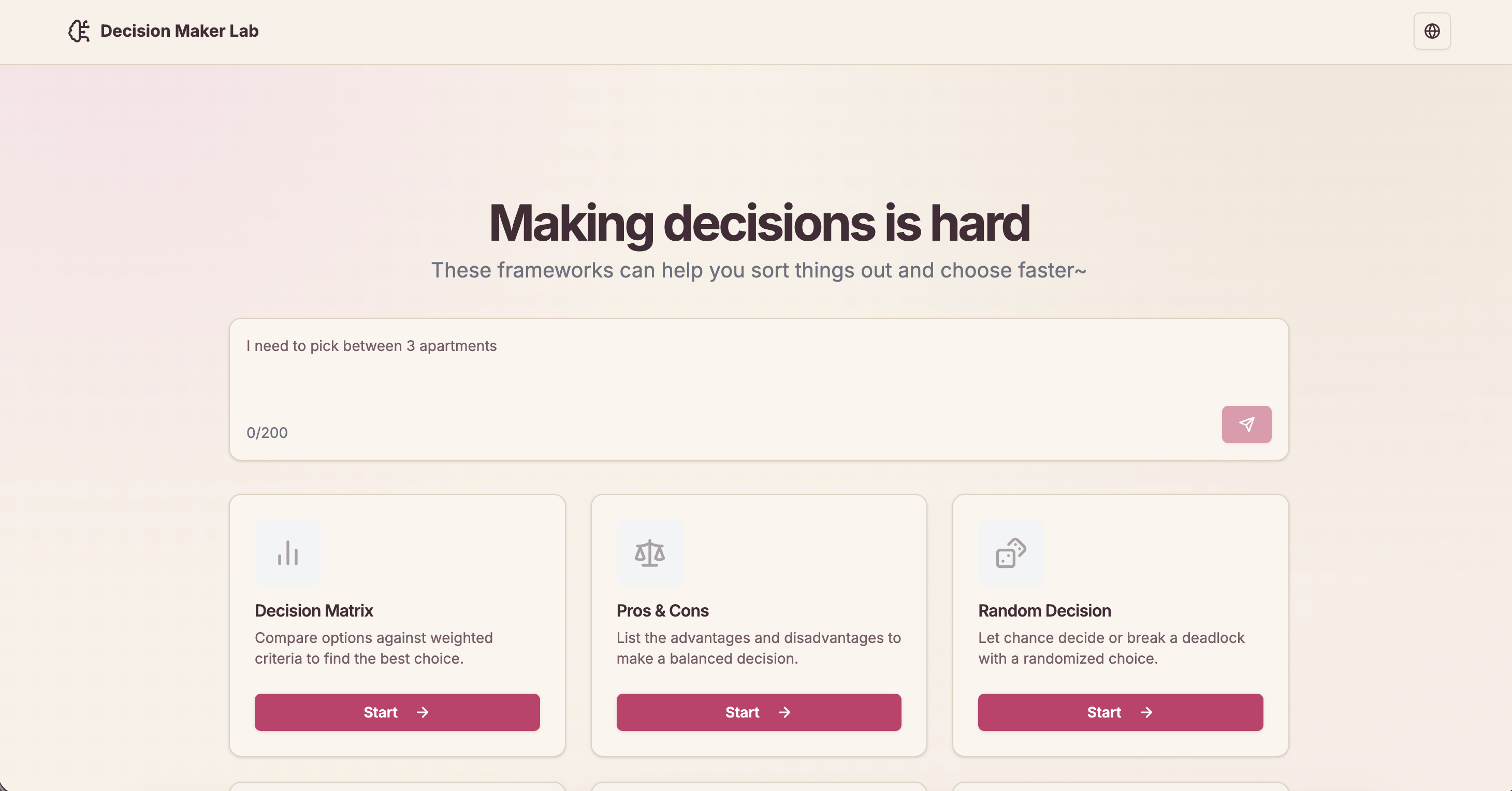
Ever stood in front of two options for way too long, going “hmm… hmm… HMM” 🫠? Same.
Sometimes picking between a few options is harder than it should be. So I built Decision Maker Lab: one simple app that brings together different ways of making decisions, whether it’s for work, planning, or “what should I eat tonight” level choices.
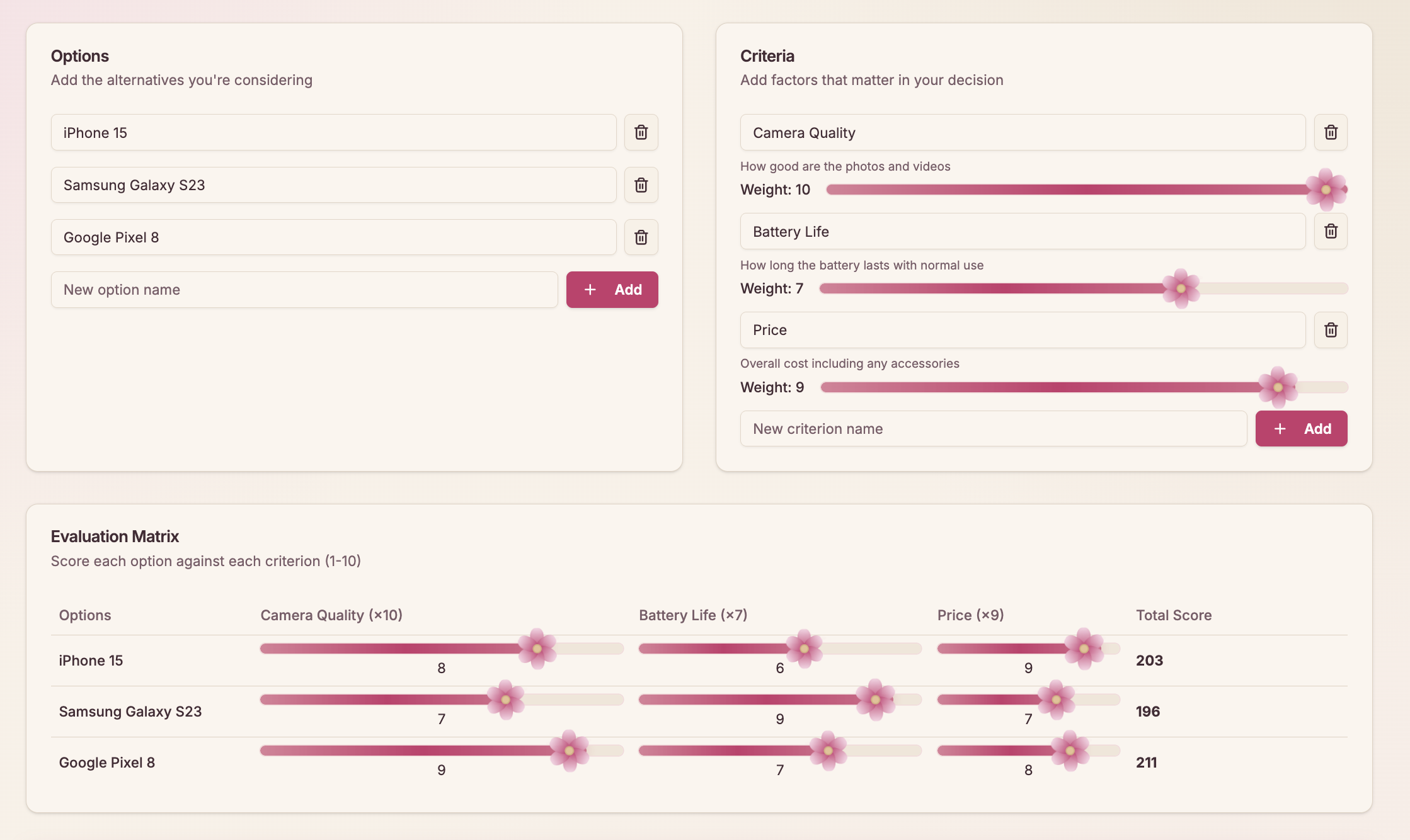
🔎 At a Glance
- Built with: Next.js, React, TypeScript, and Tailwind CSS.
- Nine tools: From Pros & Cons to Decision Trees and SWOT Analysis.
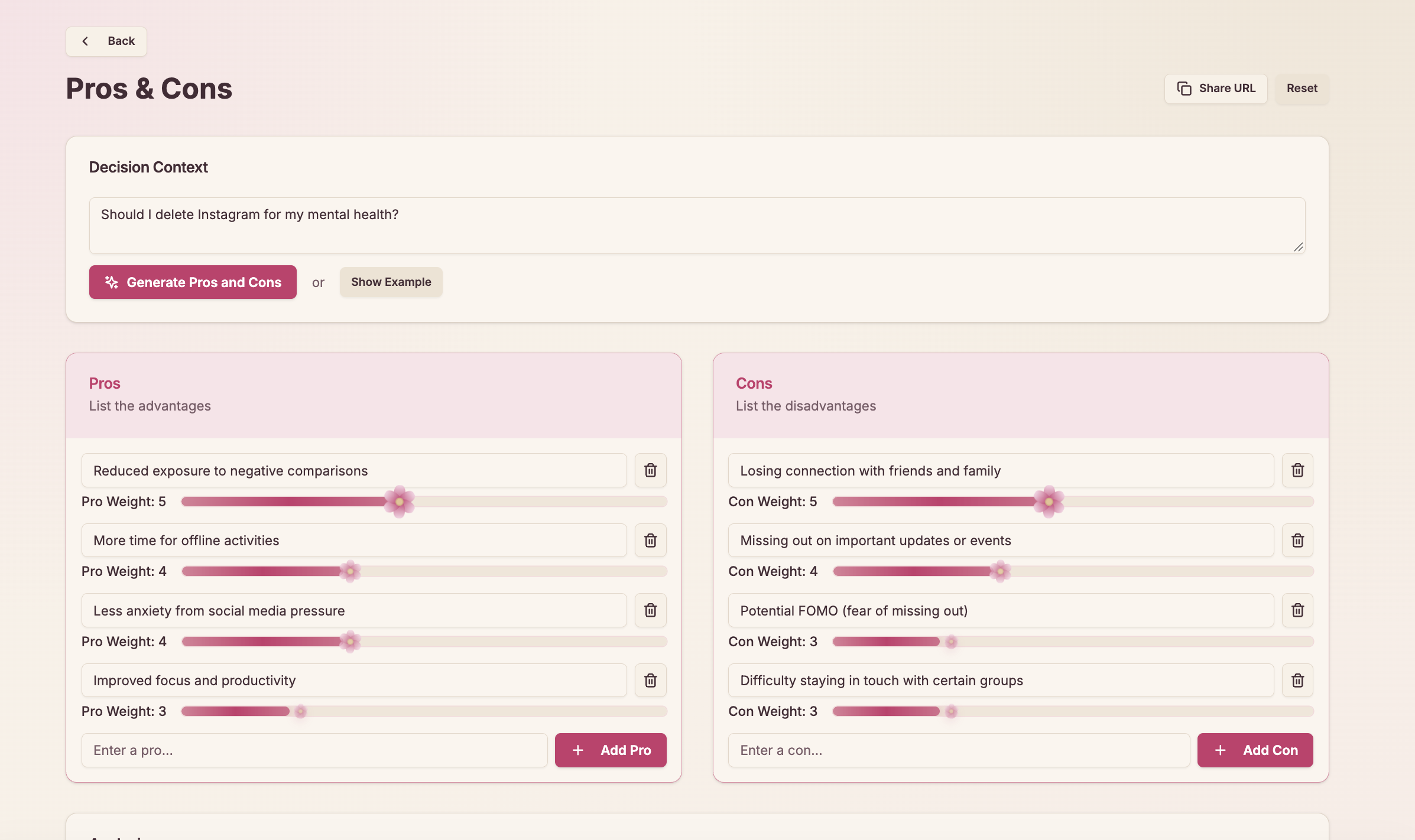
- No database for your decisions: Everything is saved in your browser.
- Extras: Shareable links, English and Indonesian support, CSV/JSON export, and optional AI suggestions.
- Tested: 42 test files with Vitest, including checks that the English and Indonesian translations stay in sync.
🧰 The Nine Tools
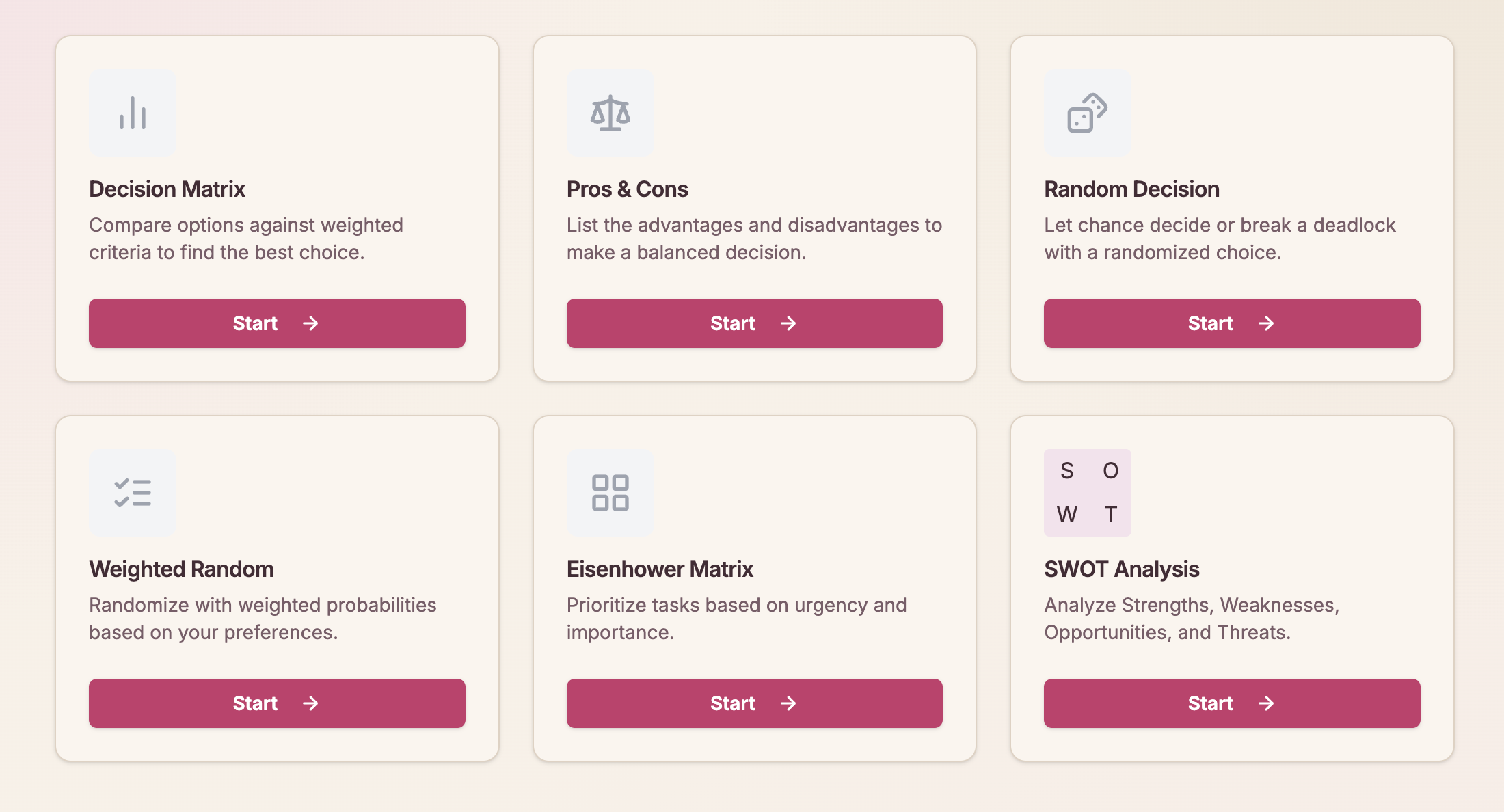
| Tool | Good for |
|---|---|
| Pros & Cons | Listing the upsides and downsides. |
| Decision Matrix | Scoring options against your priorities. |
| Cost-Benefit Analysis | Comparing what you spend and what you gain. |
| Decision Tree | Looking at possible outcomes. |
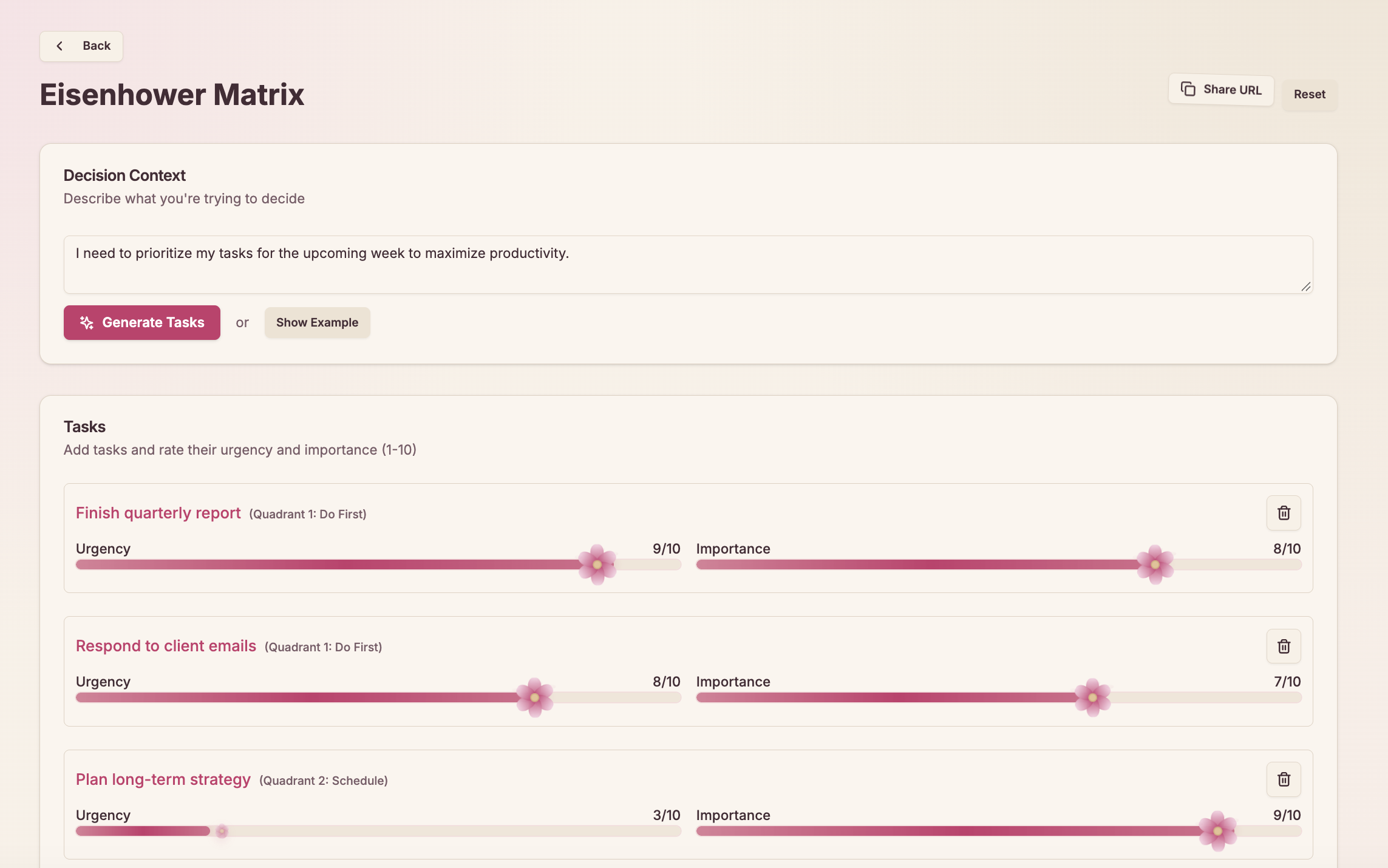
| Eisenhower Matrix | Sorting tasks by urgency and importance. |
| SWOT Analysis | Finding strengths, weaknesses, opportunities, and threats. |
| Scenario Planning | Thinking through different situations. |
| Random Decision | Picking when you can’t decide. |
| Weighted Random | Giving some options a better chance. |
My personal favorite? Weighted Random. It’s for when you kinda know what you want but still want the universe to decide 🎲.
🗺️ How It’s Built
flowchart TB
    subgraph Browser
        U[User] --> T[Decision Tools]
        T <--> L[(Local Storage)]
        T --> S[Compressed Share URL]
    end

    subgraph NextJS[Next.js Server]
        K[Private Server Secret] --> API[POST /api/token]
    end

    subgraph Worker[AI Worker]
        AUTH[POST /authorize]
        GEN[POST /generate]
    end

    T -->|Request token| API
    API -->|Authenticate with secret| AUTH
    AUTH -->|Issued token| API
    API -->|Issued token| T
    T -->|Prompt + token| GEN
    GEN -->|AI suggestions| T
Most of the app works right in your browser. The AI Worker only gets involved when you ask for suggestions.
About those share links 🔗: your whole decision gets packed into the URL itself, compressed with lz-string so the link doesn’t turn into a novel. No server needs to store anything. Send it to a friend, and they see exactly what you made.
🔐 Why I Added a Token Endpoint
I wanted AI suggestions without putting a private API key in the frontend (because anyone can peek at client FE code). So I added a small server-side step:
- The browser calls
POST /api/tokenon the Next.js server. - The server uses its private
JWT_SECRET_KEYto call the Worker’s/authorizeendpoint. - The Worker returns an issued token, and Next.js passes it back to the browser.
- The browser calls the Worker’s
/generateendpoint using that token. - The Worker sends AI suggestions back to the decision tool you’re using.
This keeps the private secret on the server. But the issued token is still visible to the browser, so it needs its own safety limits too.
🤔 Decisions I Made (and What They Cost)
Yes, a decision-making app has a decision table. Very meta 😄.
| Choice | Why I chose it | Trade-off |
|---|---|---|
Browser localStorage |
Save decisions without accounts or a database. | No automatic sync across devices. |
| Compressed share URLs | Share decisions without storing them on a server. | The link contains the data; compression isn’t encryption. |
| Server-side token endpoint | Keep the private Worker secret out of client code. | A public token endpoint can be abused without safeguards. |
| Direct calls to AI Worker | Avoid sending every AI request through Next.js. | Issued tokens reach the browser and need protection. |
🔮 What I’d Improve Next
- Protect the AI endpoints: Add rate limits and usage quotas to
/api/tokenand the Worker’s/generateendpoint. If the app ever gets accounts, tie limits to users. - Tighten token handling: Use short-lived tokens, validate them in the Worker, limit what they can access, and maybe keep them in memory instead of
localStorage. - Review the other AI route: There’s also an
/api/airoute that calls DeepSeek with a server-side API key. It needs the same safeguards, or it should go if it’s not needed anymore. - Make sharing safer: Remind people not to put private info in share links, since compression isn’t encryption. Add size limits or private sharing later if needed.
- Performance and SEO: I made this when I was first learning Next.js, so there’s a lot of room to grow. For example, the first load takes a bit too long 😂.
💬 Closing
The goal was never to let AI make every decision for you. It’s about giving you a clearer way to think through your options, with AI around when a little extra help is useful.