Some websites are meant to be read. Lost in the Star is meant to be played around (lol).
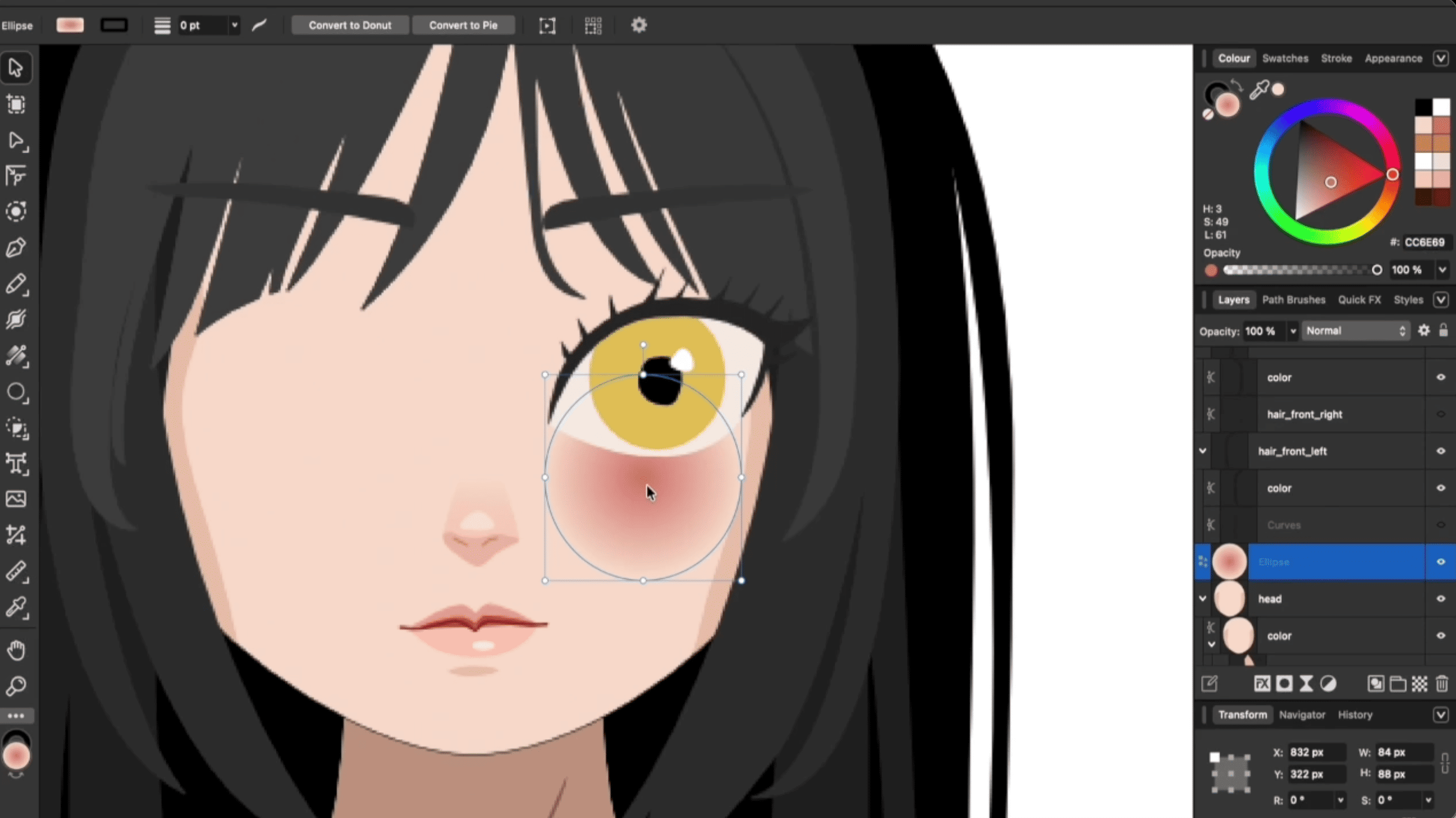
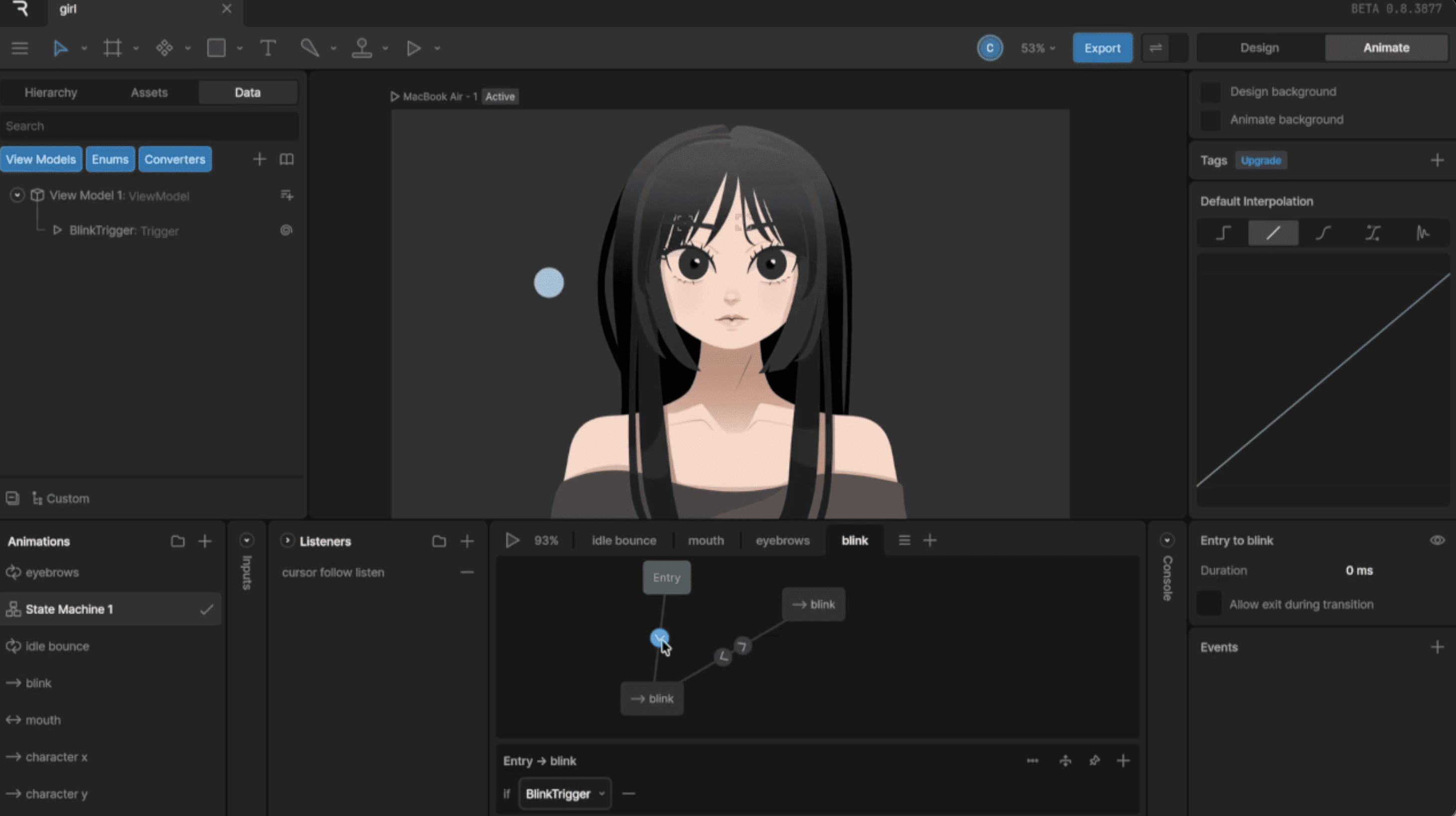
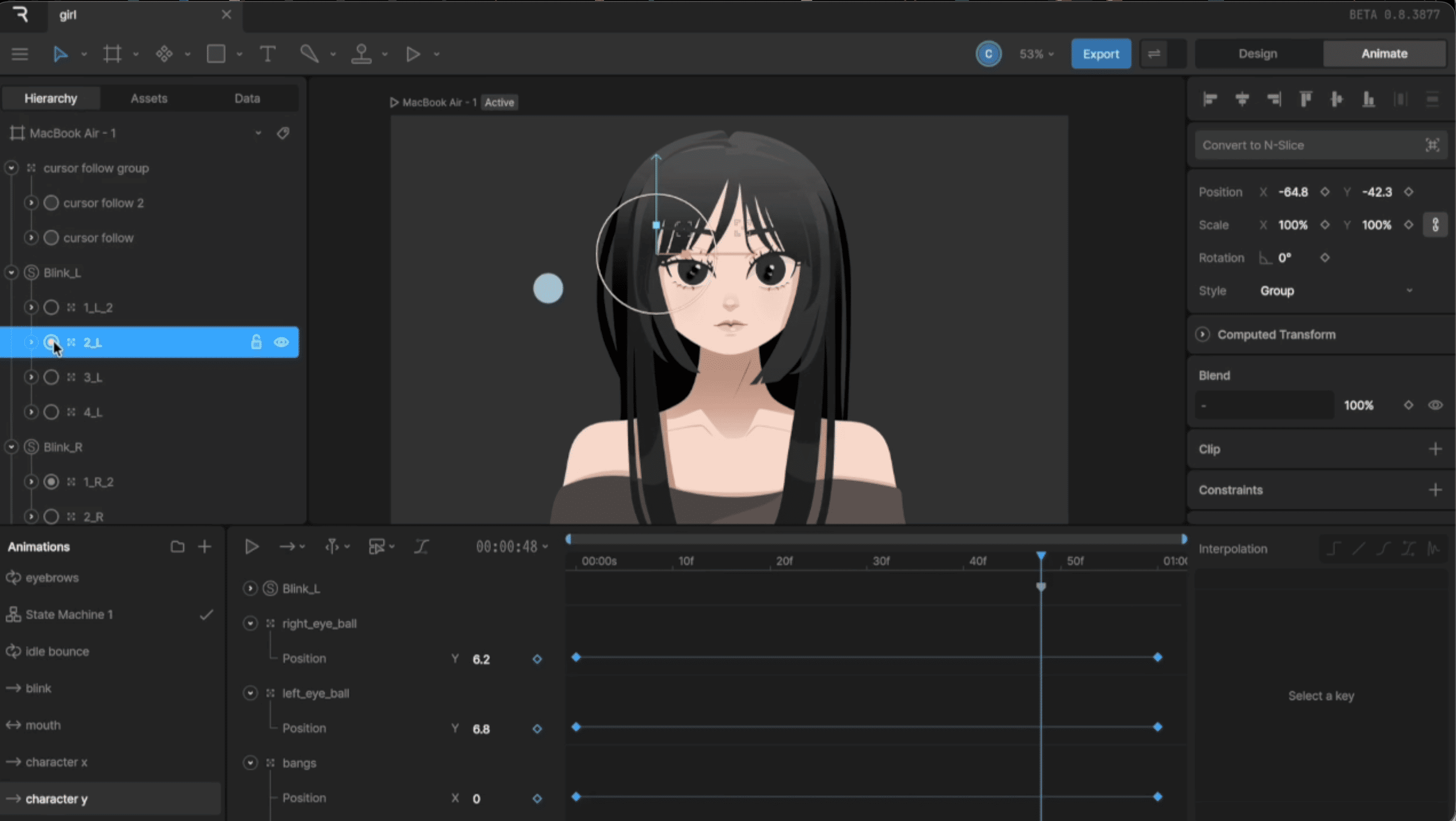
At the center is a girl I drew myself in Affinity. Then I thought, what if she could actually move? So I brought her to life with Rive animation and some real-time visual effects. Click, zoom, and watch the little details come alive 👀.
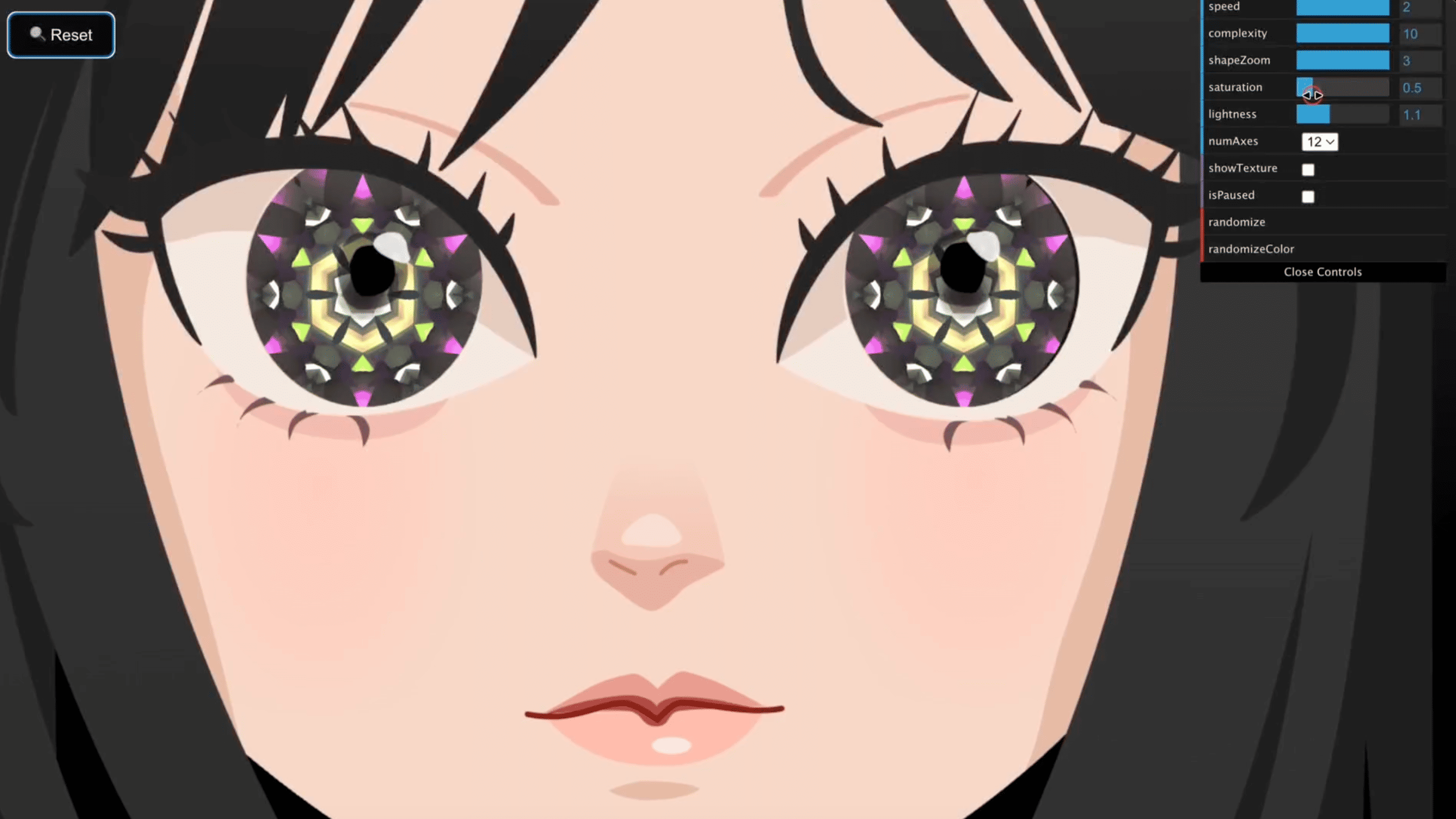
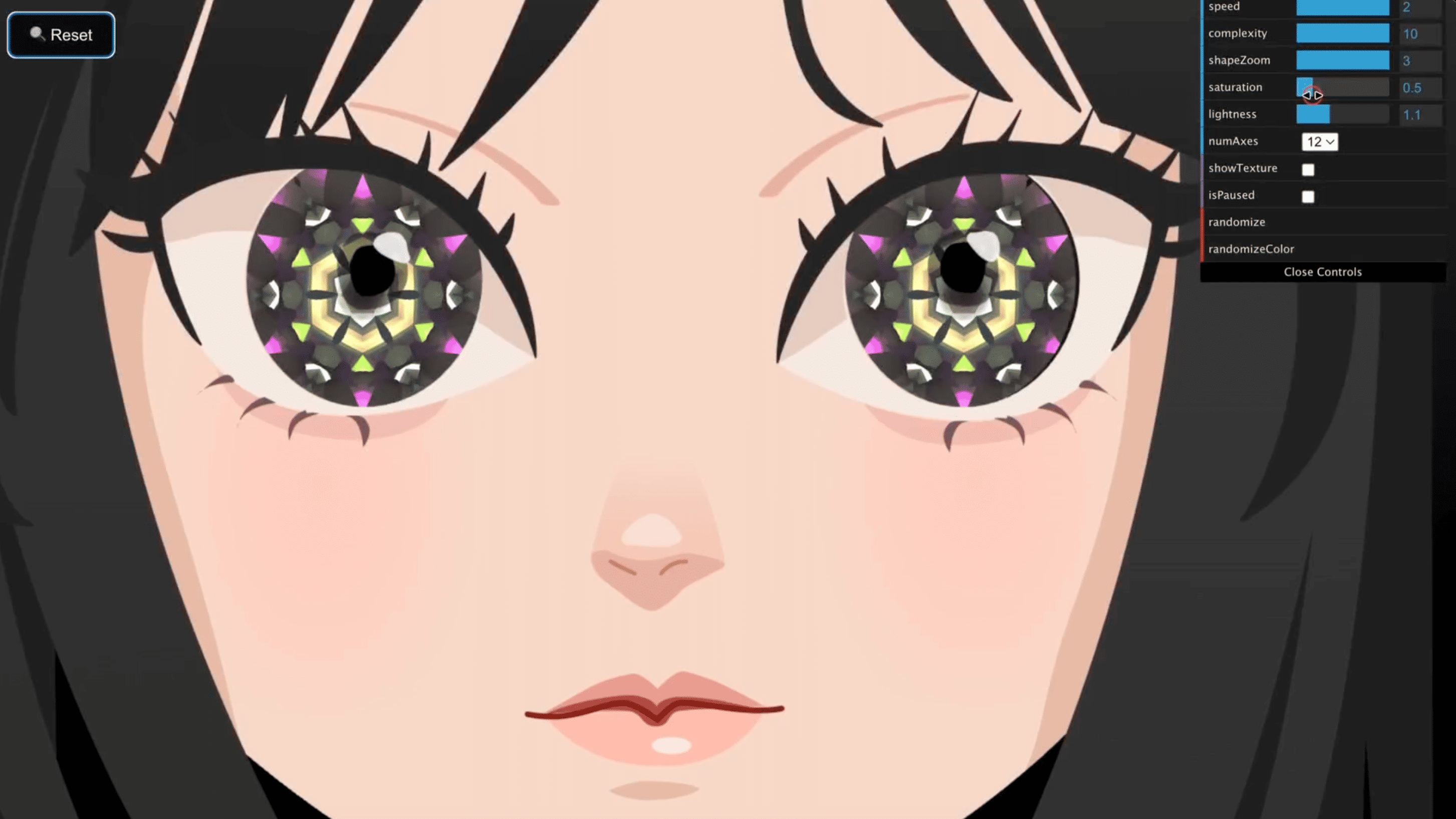
Fun fact: the eyes were inspired by the Sharingan from Naruto. But I didn’t want to just copy that iconic pattern, so I gave it a twist. Her eyes turn into colorful, ever-changing kaleidoscopes instead 🌈.
🔎 Overview
Here’s the quick version:
- Goal: Make an immersive, interactive artwork instead of a “normal” website.
- Main idea: Bring my hand-drawn character to life with Rive animation and moving kaleidoscope patterns inside her eyes.
- Interactions: Click to make her blink and reshuffle the patterns, zoom in for a closer look, or pause the motion.
- Tools: Affinity for the illustration, plus Rive, Three.js, WebGL, JavaScript, CSS, and Vite.
- Deployment: A static site on Netlify. No backend, no database, no drama.
🗺️ How the Pieces Fit Together
flowchart TD
    A[Visitor] --> B[Browser and UI Events]
    B --> C[Rive Canvas: Character Animation]
    B --> D[Three.js: Animated Kaleidoscope]
    D --> E[Two WebGL Eye Canvases]
    C --> F[Canvas Position and Size]
    B --> G[Zoom and Resize Events]
    G --> H[Eye Alignment Logic]
    F --> H
    H --> E
The idea is actually simple: Rive animates the character, Three.js creates the shifting eye patterns, and JavaScript keeps both layers lined up so they feel like one scene, not two things awkwardly stacked on top of each other.
🔨 How It Works
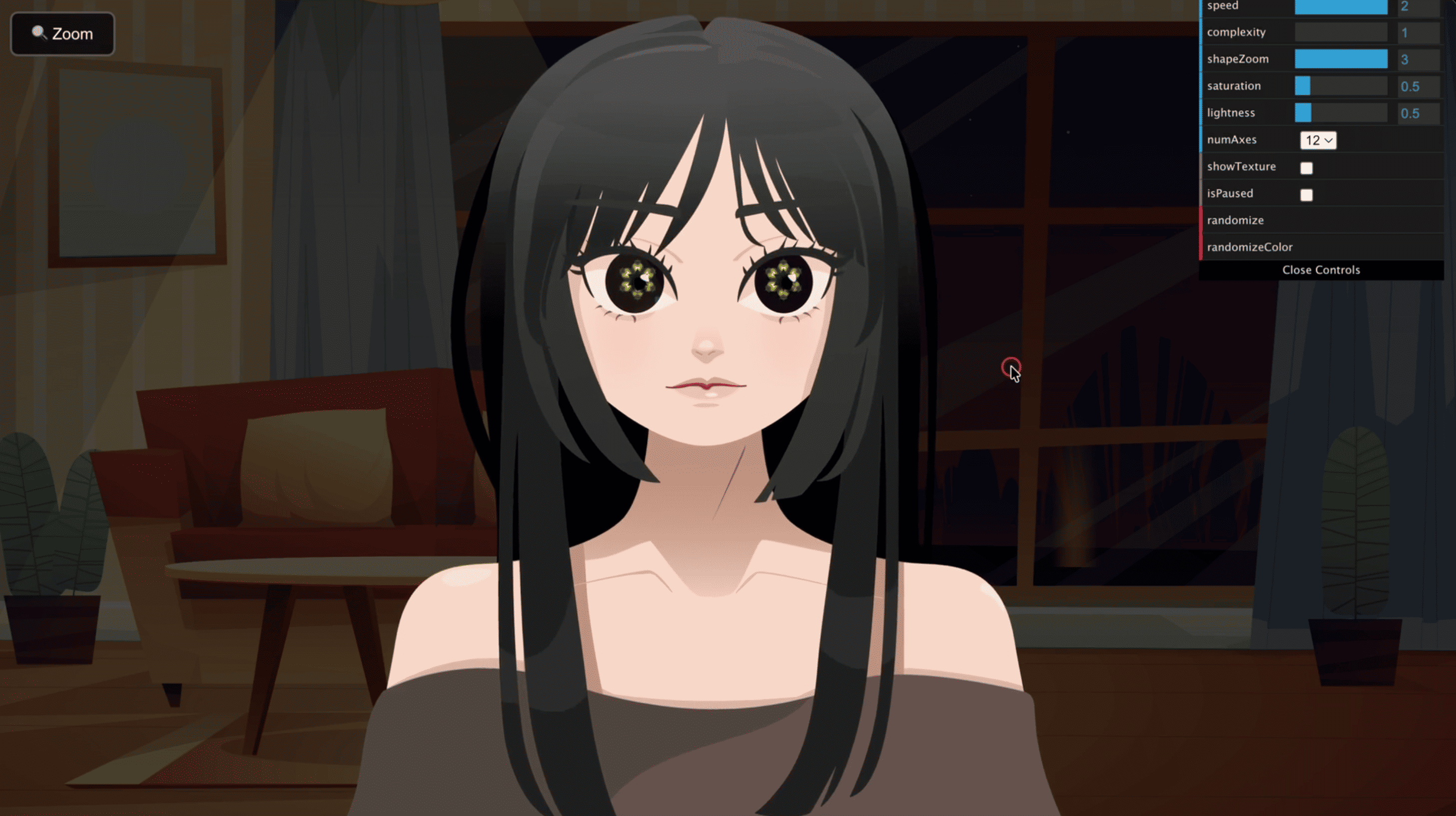
- The scene loads. You get a dark illustrated background, and the Rive character animation starts playing.
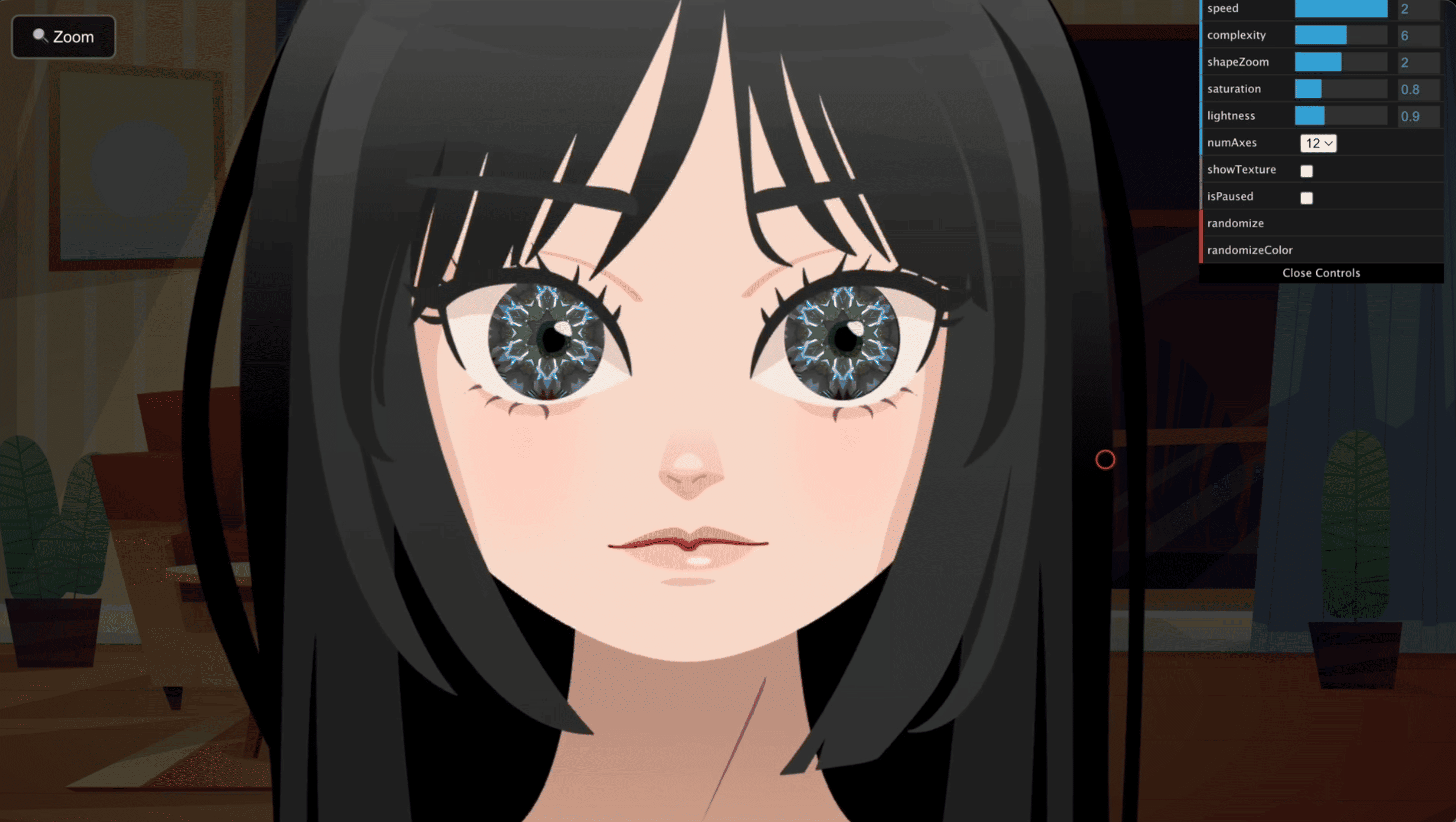
- The eyes get their magic. Three.js animates 3D torus-knot shapes and turns their rendered texture into a repeating kaleidoscope pattern.
- Layers stack up. Two WebGL canvases sit right over her eye areas and show that pattern.
- She reacts when you click. Clicking her triggers a Rive blink and a fresh arrangement of shapes. There’s also a little cursor ripple for extra feedback ✨.
- Zoom without breaking anything. The Zoom button cycles through three views (normal, closer, and closest) before resetting. Her eye positions get recalculated every time you zoom or resize the window, so the kaleidoscopes never slide off her face 😅.
Oh, and there’s a live control panel too! You can play with speed, color, complexity, and symmetry. Press Space to pause or resume the kaleidoscope motion.
Credit where it’s due 🙏: the kaleidoscope effect builds on ThreeJS_Kaleidoscope by colordodge (MIT License). My part was squeezing it into two tiny eyes and making it play nicely with a Rive character.
🐛 The Case of the Drifting Eyes
Here’s a bug that made me laugh (after it stopped making me cry).
In the first version, I placed the eye canvases with hardcoded pixel values: fixed widths, fixed top offsets, and calc(50% +/- something) for each zoom level. It looked perfect… on my screen. Resize the window, and the kaleidoscopes slowly wandered off her face 👀💨.
The problem? The Rive canvas scales and shifts with the window, but my eye positions were tied to one specific screen size.
The fix was to stop thinking in pixels and start thinking in proportions of the canvas. Now the eyes are described as ratios of the rendered Rive canvas (for example, the left eye sits at about 43.85% across and 35.5% down, with a diameter of about 11.8% of the canvas width). Every time the window resizes, the zoom changes, or the WebGL renderer updates, the positions get recalculated from the live canvas size. I also animated the horizontal movement so zooming feels smooth instead of jumpy.
I checked it in the default view, with a resized window, and at different zoom levels, and the eyes finally stayed put. Bonus: if I ever want to nudge them for art direction, I just tweak four numbers.
🧰 The Tools Behind It
| Technology | What it does |
|---|---|
| Affinity | Where I drew the original girl illustration. |
| Rive | Plays the character animation and handles the blink interaction. |
| Three.js + WebGL | Renders the animated kaleidoscope visuals in the eyes. |
| JavaScript + CSS | Connects clicks, zoom states, canvas positioning, cursor effects, and layout. |
| Vite | Builds and serves the frontend during development. |
| Netlify | Hosts the finished static website. |
🤔 Decisions I Made (and What They Cost)
Every choice comes with a “but”. Here’s mine:
| Decision | Why it works | Trade-off |
|---|---|---|
| Separate Rive and WebGL layers | Each tool does what it does best: character animation and real-time graphics. | Their positions have to stay in sync. |
| Canvas-relative eye positioning | The effects follow the character when the screen resizes or zoom changes. | A different character design may need new eye coordinates. |
| Two WebGL eye canvases | Each eye gets its own carefully placed visual layer. | Extra rendering work can be demanding on slower devices. |
| Static, browser-only architecture | Easy to deploy, with no server-side logic to maintain. | Animation performance depends on the visitor’s device. |
⚡ Performance & What I’d Improve
The effects animate nonstop, so the real worry here isn’t server cost. It’s keeping things smooth in your browser.
- Go easier on the GPU: Simplify the effects or lower rendering demands on less powerful devices.
- Slim down assets: The background image is pretty big, so compressing it would make the first load faster.
- Make motion optional: Add a reduced-motion mode and improve touch and keyboard accessibility.
💬 Closing
Lost in the Star is my little proof that a simple page can feel like a living illustration. And the part I’m proudest of isn’t just the animation or the WebGL effects. It’s getting two totally different rendering systems to move together like they were always one piece.
Go say hi to her and make her blink a few times :3